Digital Learning at Webster's High School - Access Glow teams #Serious About Learning
Acessing Glow
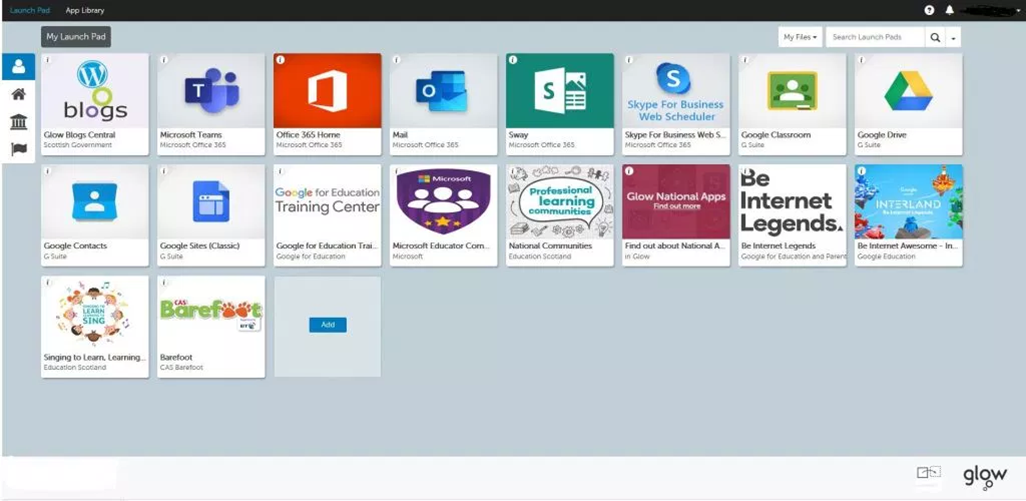
You can access Glow to make use of email, Glow teams, Scholar and other materials to help support you in your revision.
Please log in using this link and your username and password.
If you have forgotten your password, cannot get access or accidently lock yourself out use the contact form below for a member of staff to contact you with a password re-set.

Free Microsoft Office 365

Download Teams for Desktop
If you cant access the Teams through Glow you can download the desktop version of teams following the link below. Then use your GLOW username gw12...@glow.sch.uk and GLOW password to access.
 |
Desktop Download |
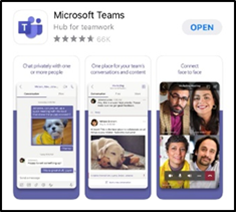
Logging into Microsoft Teams via the App
|
Google Play Store |
|
App Store |
Having difficulty accessing your Glow account?
If you are having problems accessing glow, have locked yourself out or need your password reset please fill in the contact form here.
Tell us your name and class in the message and check your glow email account for information from your year head or another Depute when your password and information is re-set.
Website Privacy Policy